
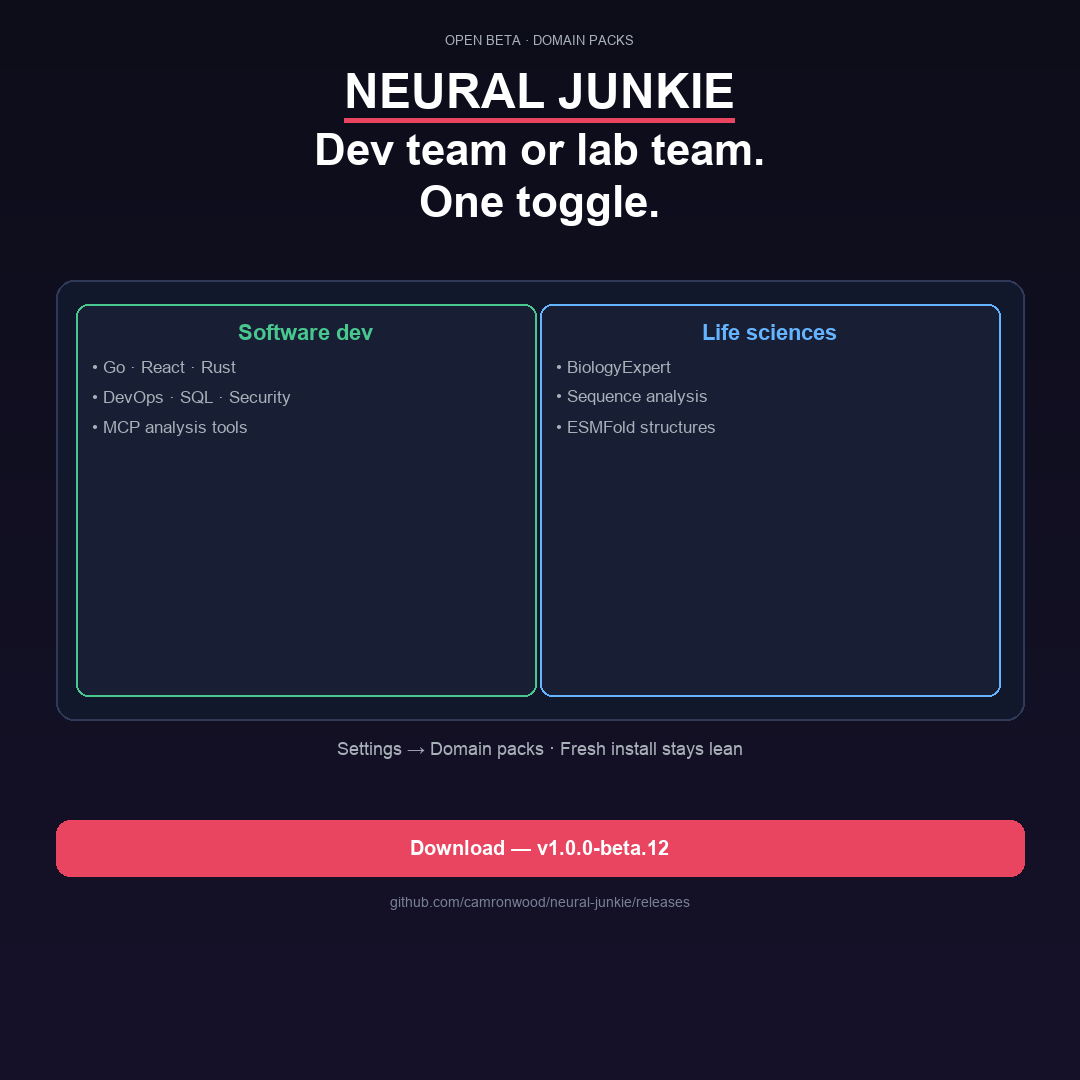
Official packs (10)
See the pack catalog for detailed descriptions, GitHub repository links, and setup notes for each pack.
- Software development — six engineering specialists, dev MCP tools, Git in the app, IDE v4 (full LSP, remote SSH,
@codebase). See IDE v4 guide and IDE v3 guide. - Life sciences — BiologyExpert, OpenBioLLM, sequence tools, protein folding. Lab workflows guide · Life sciences doc.
- CAD — CADExpert, OpenSCAD workbench, param sliders, Three.js STL preview. Requires OpenSCAD on PATH. CAD pack doc.
- Specialist tuning — LoRA v2 compound specialists: import rows, review training JSONL, bootstrap repo indexes, compose Ollama tags. Pairs with Personal learning. LoRA v2 article.
- AWS — AWSExpert with read-only AWS CLI MCP tools and SSO profile integration via Settings → Integrations. AWS pack doc.
- Incident management — IncidentManager for Jira triage, reproduction steps, and handoff to engineering. Requires software-development. Incident pack doc.
- Web browser — WebBrowserExpert,
fetch_url/ web search MCP, and an HTML preview workbench for workspace.htmlfiles and local dev servers. Requires software-development. Web browser pack doc. - Music creation — MusicExpert, ACE-Step sft/turbo/xl variants (v1.0.2), music workbench, stems export. Music creation pack doc.
- Model Arena — ArenaExpert, verifiable chess / Connect Four / logic matches, live Arena workbench. Model Arena pack doc · Pack details.
- Room chat — same-room LAN rooms; host ephemeral sessions, guests join with a code and @mention the host’s agents. Room chat doc · Pack details.
Install flow
- Open Domain packs from the toolbar chip (⌘⇧K) → Store tab.
- Click Install on a pack — hub downloads the release zip from GitHub and merges the embedded official catalog so new packs show up reliably.
- Toggle the pack on. You can enable multiple packs; choose which enabled pack controls IDE vs team layout in the Store tab.
- For AWS and Jira, configure credentials under Settings → Integrations after enabling those packs.
Custom and customer packs
Pack Dev Studio (Domain packs → Develop tab) lets you author pack.yaml, live-validate YAML, dev-link a folder, and test overlays before sideloading a zip. Customer packs install via Install zip or POST /api/packs/install-zip. See PACKS_CUSTOM.md.
What stays universal
Assistant, Slack Connect, collaboration, and custom experts via /create-expert work regardless of which packs you enable. Packs add depth — they do not gate the core chat experience.